



Introduction
The code 3001#12345# is one of the most searched hidden iPhone codes on the internet. For years, iPhone users, mobile network enthusiasts, technicians, and technology bloggers have discussed this special dialer code because it provides access to Apple’s Field Test Mode. Unlike many so-called secret smartphone tricks that circulate online, this code serves a legitimate purpose and has been part of the iPhone ecosystem for many years.
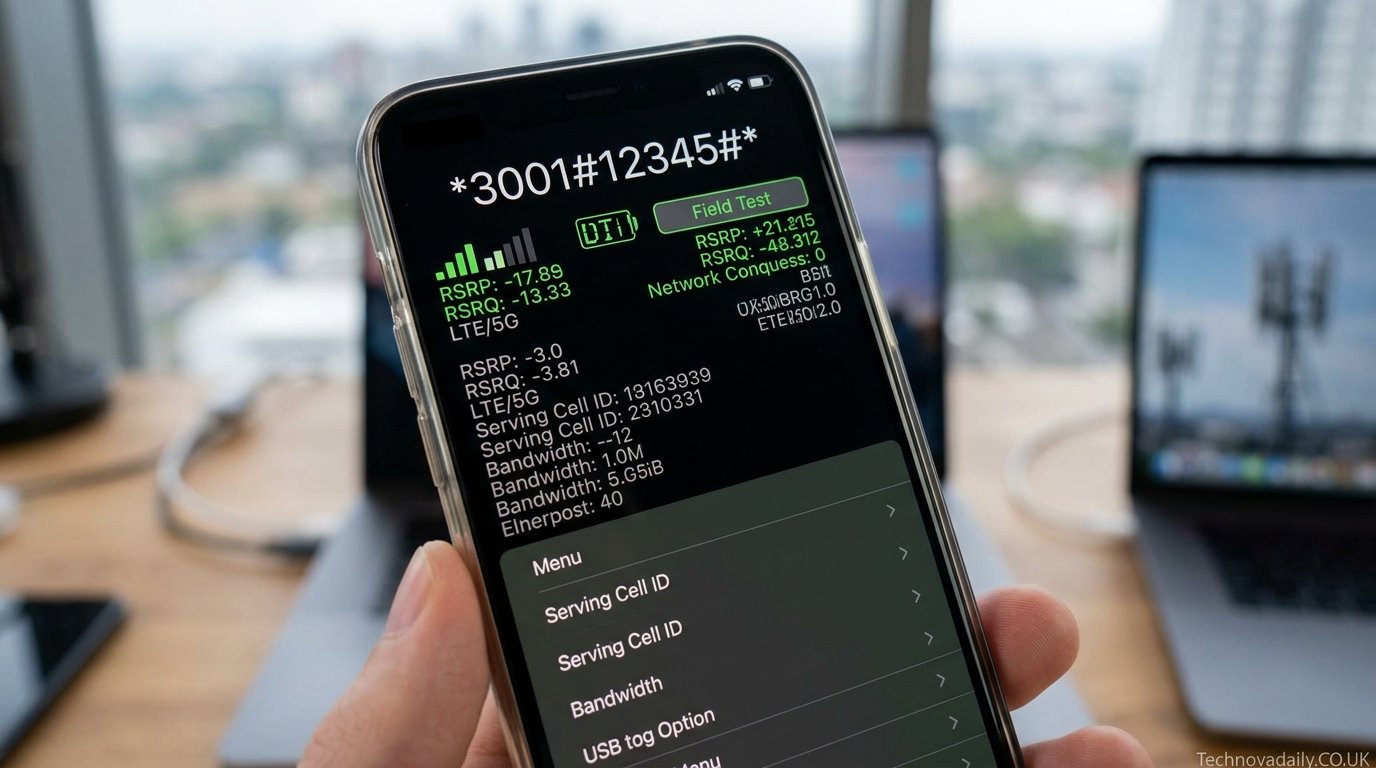
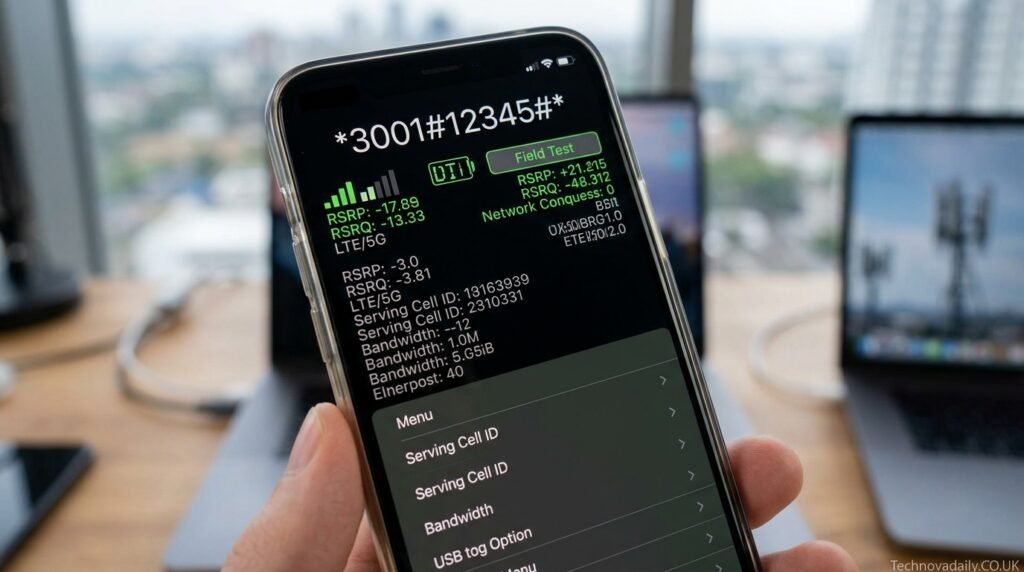
When entered correctly through the iPhone Phone app, 3001#12345# opens a diagnostic environment that reveals detailed information about cellular connectivity. Users can examine signal strength, network performance, LTE information, 5G metrics, serving cell data, neighboring tower information, and various radio measurements that are normally hidden from standard users. The feature was originally intended for engineers and technicians, but Apple has made it accessible to anyone who knows the code.
As mobile networks become increasingly sophisticated and as consumers rely more heavily on smartphones for communication, work, entertainment, and navigation, understanding network performance has become more valuable than ever. This article explores everything you need to know about 3001#12345#, including its history, functionality, benefits, limitations, and practical uses.
What Is 3001#12345#?
The code 3001#12345# is a special dialing sequence used on compatible iPhones to launch Field Test Mode. Unlike standard phone numbers, this sequence does not connect to a person or service. Instead, it instructs the iPhone operating system to open a hidden diagnostic application designed to display network-related information. Apple has included this capability for many years, making it one of the most recognized iPhone diagnostic tools available.
Field Test Mode provides access to information that is normally hidden behind simplified signal bars and user-friendly settings menus. While most people see only a few signal bars at the top of their screen, the diagnostic interface displays the actual measurements used by the device to determine signal quality. This deeper level of visibility makes the tool valuable for troubleshooting and education.
The code is often mistakenly described as a secret hack or hidden exploit. In reality, it is an officially recognized diagnostic function that has been discussed publicly by technology publications and mobile networking experts for many years.
The History of Apple’s Field Test Mode
Field Test Mode dates back to the early years of the iPhone. Shortly after Apple’s first iPhone was released, technology enthusiasts discovered that entering 3001#12345# would unlock access to a hidden diagnostic interface. The discovery quickly attracted attention from journalists, engineers, and smartphone enthusiasts who were curious about the technical information available within the device.
Originally, Field Test Mode was primarily intended for internal testing and network diagnostics. Engineers needed a way to evaluate signal quality, tower connectivity, and radio performance in real-world environments. Rather than creating separate hardware tools for every task, Apple incorporated diagnostic capabilities directly into the operating system.
Over time, the interface evolved alongside advances in cellular technology. As networks transitioned from 2G and 3G to LTE and eventually 5G, Field Test Mode expanded to display new categories of information. Modern versions provide access to much more detailed data than earlier generations, reflecting the growing complexity of mobile communications.
How to Access Field Test Mode
Accessing Field Test Mode is relatively simple. Users open the Phone application, navigate to the keypad, enter 3001#12345#, and press the call button. If the device and carrier support the feature, the Field Test interface launches automatically. The code must include both asterisks and the exact sequence of numbers and symbols for it to work properly.
The interface that appears may differ depending on the iPhone model, iOS version, carrier settings, and network technology being used. Some users see detailed LTE information, while others have access to 5G diagnostics, serving cell measurements, and advanced radio metrics. The layout has changed multiple times throughout the history of iOS.
Users occasionally report differences in functionality after software updates. Discussions within the Apple community show that some network metrics appear or disappear depending on carrier profiles and operating system revisions. Despite these changes, the core purpose of the tool remains consistent: providing visibility into cellular network performance.
Understanding Signal Strength Measurements
One of the most important features of Field Test Mode is the ability to view precise signal strength measurements. Standard signal bars provide only a rough approximation of reception quality. Field Test Mode reveals actual radio measurements, typically expressed in dBm, which offer a much more accurate assessment of signal conditions.
Signal strength values are represented as negative numbers. Values closer to zero generally indicate stronger reception, while larger negative numbers suggest weaker connectivity. A reading around -70 dBm is considered very strong, whereas readings near -110 dBm may indicate poor signal conditions. Understanding these values allows users to identify areas with stronger or weaker coverage.
These measurements are particularly useful when troubleshooting dropped calls, slow data speeds, or inconsistent connectivity. Instead of guessing whether signal quality is responsible for network problems, users can observe objective measurements and make more informed decisions about their environment and carrier performance.
LTE, 5G, and Cellular Network Data
Modern versions of Field Test Mode provide much more than simple signal readings. The diagnostic interface can display information about LTE bands, 5G connections, carrier aggregation, signal quality indicators, radio frequencies, and network identifiers. This data helps explain how a device communicates with cellular infrastructure.
Users interested in 5G performance often rely on Field Test Mode to determine which network bands are currently active. The interface may display information related to frequency allocation, serving cells, and radio access technologies. Such details are valuable for network enthusiasts who want to understand how modern mobile networks operate.
As carriers continue expanding their 5G deployments, Field Test Mode remains one of the few built-in tools that provide insight into network behavior without requiring additional applications or specialized equipment. The ability to see detailed network information directly on an iPhone makes the code particularly valuable for technical users.
Why Engineers and Technicians Use Field Test Mode
Field Test Mode was originally designed with technical users in mind. Telecommunications engineers, network planners, and support personnel often need accurate measurements when evaluating coverage areas and diagnosing service issues. The information available through the interface helps professionals understand how devices interact with cellular networks.
When investigating reception problems, technicians can analyze signal quality, serving cells, and network conditions. These metrics help identify whether an issue originates from the device, the surrounding environment, or the carrier’s infrastructure. The ability to gather data directly from the phone simplifies many troubleshooting tasks.
Although most everyday users do not require this level of detail, the same information can still be useful when evaluating carrier performance, comparing coverage locations, or diagnosing persistent connectivity issues that are difficult to explain through basic settings alone.
Common Real-World Uses of 3001#12345#
Many people first discover 3001#12345# while searching for ways to improve reception. If calls frequently drop in certain areas or mobile internet speeds seem inconsistent, Field Test Mode provides valuable clues about network conditions. Instead of relying on signal bars alone, users can view actual radio measurements and determine whether coverage limitations are affecting performance.
Travelers often use the tool when evaluating connectivity in unfamiliar locations. By checking signal readings at hotels, workplaces, airports, or rural destinations, they can better understand the quality of available service. This information can be especially useful when reliable mobile connectivity is essential.
Technology enthusiasts also use Field Test Mode for educational purposes. Mobile communications involve complex interactions between devices and infrastructure. Exploring the diagnostic menus provides a practical introduction to concepts such as signal strength, frequency bands, network cells, and radio technologies.
Limitations and Variations Across iOS Versions
Despite its usefulness, Field Test Mode is not perfectly consistent across all devices and software versions. Apple periodically redesigns the interface, changes available metrics, and modifies how information is presented. As a result, tutorials created for one version of iOS may not fully match another version.
Carrier restrictions can also affect what information is available. Some users report seeing extensive LTE and 5G data, while others encounter more limited menus. Differences in carrier profiles, hardware configurations, and network technologies contribute to these variations.
Online discussions frequently reveal that certain measurements disappear or change after software updates. This does not necessarily indicate a malfunction. Instead, it reflects Apple’s ongoing efforts to refine how diagnostic information is displayed within the operating system.
Is 3001#12345# Safe to Use?
One of the most common questions about 3001#12345# concerns safety. Fortunately, Field Test Mode is generally considered safe because it primarily displays information rather than modifying system settings. Users can explore available measurements without making permanent changes to their devices.
The interface functions as a diagnostic viewer rather than a configuration tool. While certain menus may contain technical information unfamiliar to most users, simply viewing the data does not damage the phone or compromise personal information. This makes the feature accessible to both beginners and experienced users.
As with any technical menu, users should avoid changing settings they do not understand. However, for typical usage focused on signal strength and network diagnostics, Field Test Mode remains one of the safest hidden features available on the iPhone.
The Future of Field Test Mode
As mobile technology continues evolving, diagnostic tools will likely become even more important. The transition to advanced 5G networks, network slicing, carrier aggregation, and future wireless standards introduces increasing complexity. Understanding network performance requires access to detailed technical information, and Field Test Mode remains a valuable resource for that purpose.
Apple has continued supporting diagnostic capabilities through multiple generations of iPhones and iOS releases. Although the interface changes over time, the demand for network visibility remains strong among users, technicians, and enthusiasts. Modern cellular networks are far more sophisticated than those of the original iPhone era, making accurate diagnostics increasingly valuable.
As wireless technologies advance, Field Test Mode will likely continue evolving to display new categories of information. Whether users are troubleshooting connectivity issues or simply exploring mobile technology, the code 3001#12345# remains one of the most useful diagnostic tools available on an iPhone.
Conclusion
The code 3001#12345# is far more than an internet curiosity. It provides direct access to Apple’s Field Test Mode, a powerful diagnostic environment that reveals the hidden details behind cellular connectivity. From signal strength measurements and LTE bands to 5G information and network diagnostics, the tool offers valuable insights into how an iPhone communicates with mobile infrastructure.
For users experiencing connectivity issues, Field Test Mode can help identify weak coverage areas and explain inconsistent performance. For technology enthusiasts, it serves as an educational window into the world of wireless communications. For engineers and technicians, it remains a practical troubleshooting resource that has stood the test of time.
As mobile networks continue becoming faster and more complex, understanding the data behind those connections becomes increasingly important. The enduring popularity of 3001#12345# demonstrates that users value transparency, technical insight, and practical tools that help them better understand the devices they rely on every day.
